Your dental technology partner for aesthetics & prosthetics
For dentists & oral surgeons – your dental technology partner for precise, plannable and aesthetically demanding restorations. Digital processes, premium quality and full transparency from the start.
Case Processing With BWF Made Easy
Clear process. Digital platform. Full transparency – from dataset to finished restoration.
For cases to run reliably, quickly and reproducibly, precise data and a clean protocol are essential. Here you'll find our complete partner onboarding.

DIGITAL CASE TRACKING
Your orders. One platform. Zero chaos.
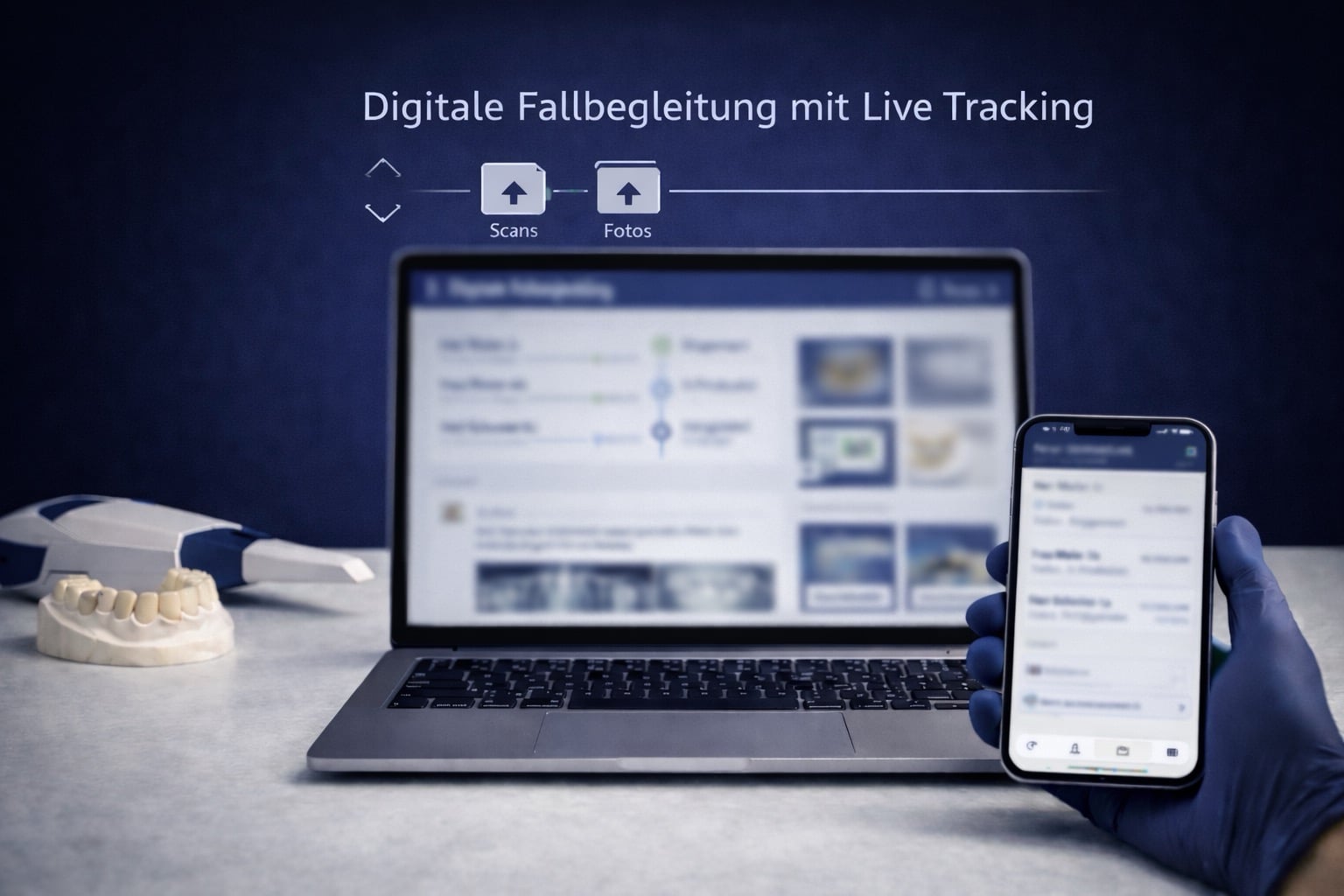
With the BWF platform, create cases digitally, upload scans & photos and track status in real time.
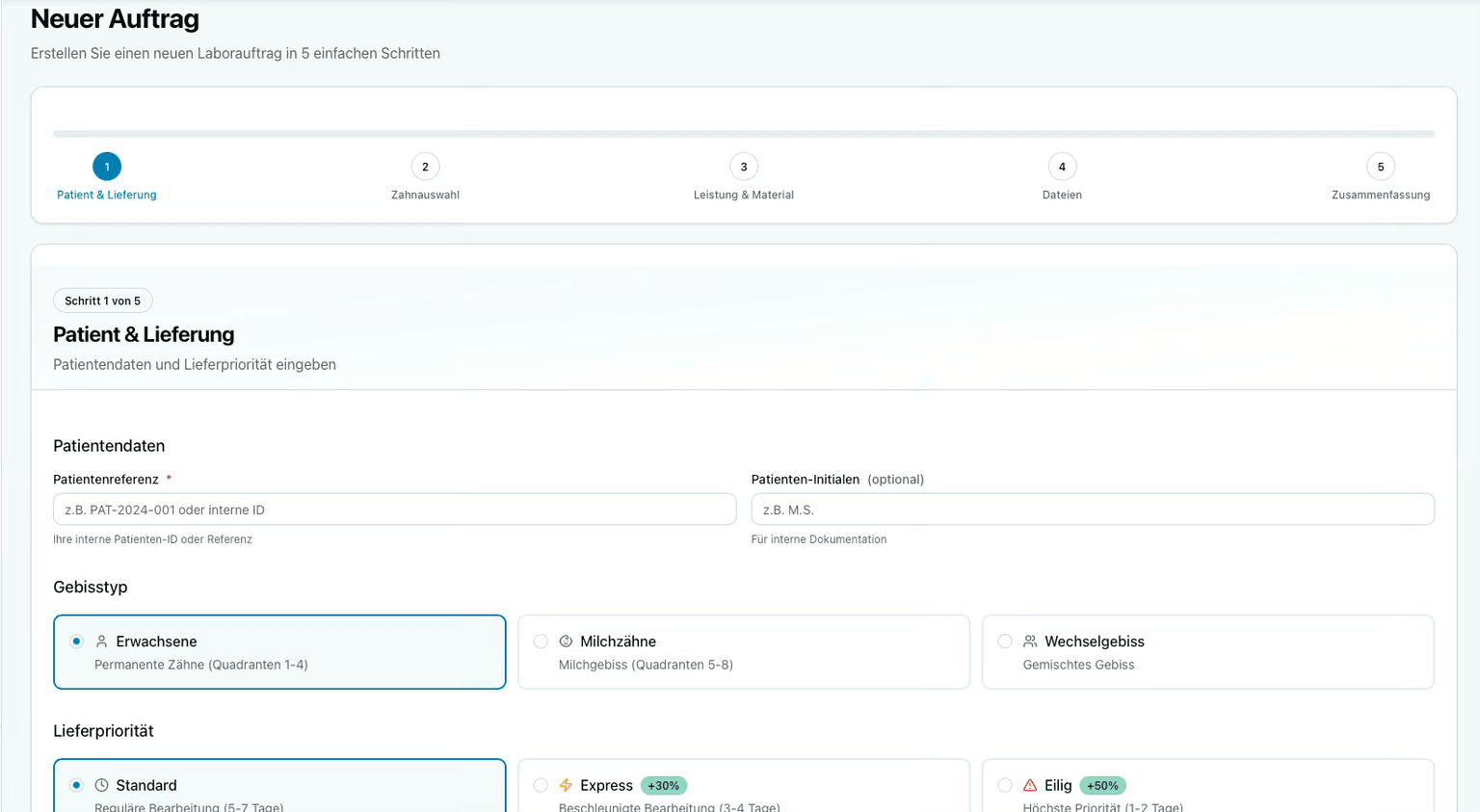
- Digital order creation with mandatory fields
- Scan upload (OBJ / PLY / STL)
- Photo protocol directly in the order
- Live tracking & status monitoring
- Case-specific chat – everything documented
How a Case Works
Create Order Digitally
- •Practice / Practitioner
- •Patient (Name/Initials), Age
- •Type of Restoration + Region (e.g. 14–17 / Upper / Lower / Full-Arch)
- •Material & Execution (cemented/screwed)
- •Tooth Color (VITA) + optional stump color
- •Desired Target Date (Delivery/Try-in/Insertion)
- •For Implants: System, Platform, Emergence Profile
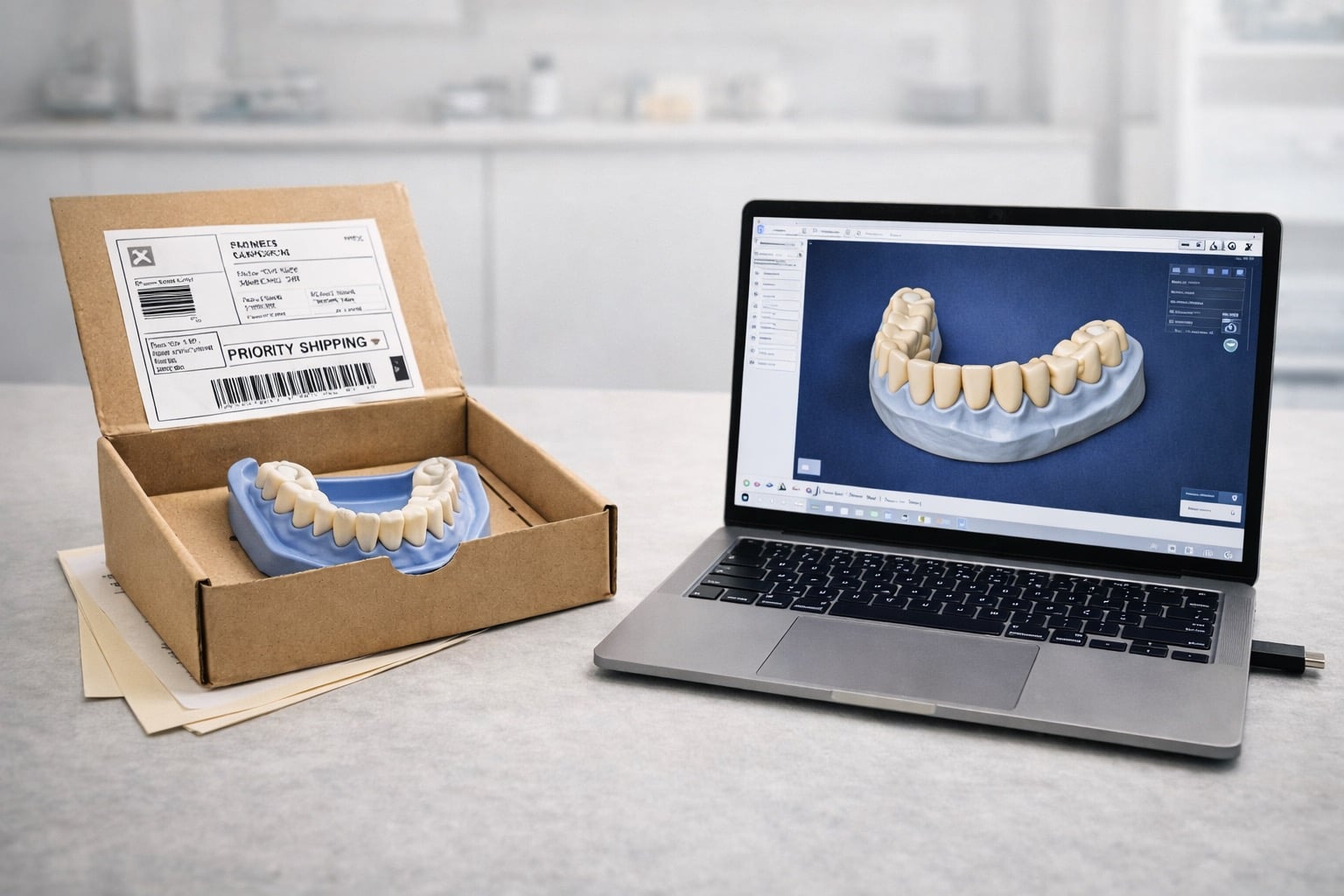
Provide Data (Analog or Digital)
Digital (Preferred)
- ✓Scan Files (OBJ/PLY/STL – OBJ/PLY preferred)
- ✓Photo Protocol
- ✓Optional CBCT (DICOM)
Analog
- •Impression/Models securely packaged and sent by mail
- •Alternatively: Pickup after prior notice
- •Include order form
Quality Check & Start
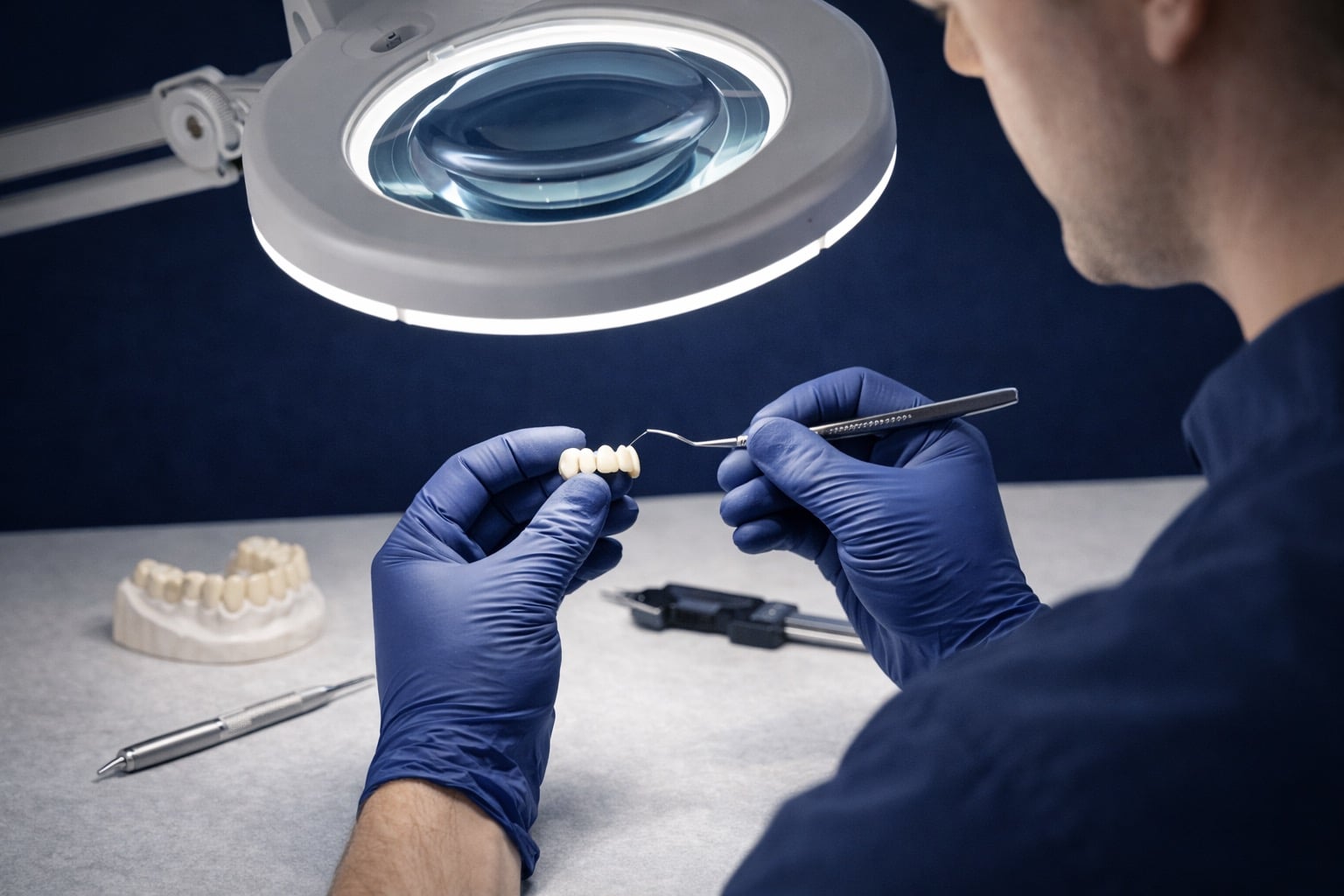
Every case goes through multiple quality checks before production starts.
- Completeness check of all documents before production start
- Multiple sequential quality checks
- Immediate feedback on missing or incomplete information
- Clear process communication – you always know where your case stands
Submission Protocol – For Immediate Fit & Aesthetics
Request Platform Access
Learn more about our digital platform DentaRouteAI – we will get back to you within 24 hours.
Request Access & Get Started
1) Contact → 2) Onboarding → 3) Send First Case